
Constant IPTV Buffering? Start With These Fixes
The most common causes of IPTV buffering and freezing, from network issues to device limitations, and how to work through them.
Buffering is the single most common IPTV complaint, and thankfully one of the most fixable. Work through these causes roughly in order before assuming the worst.
Buffering vs. Freezing: Different Problems
Buffering (the stream pausing to load) and freezing (the picture sticking while audio continues, or vice versa) often have different root causes, even though they feel similar as a viewer.
Check Your Internet Speed First
Run a speed test and compare it against our bandwidth requirements guide. This single check rules out the most common cause immediately.
Wi-Fi vs. Wired Connections
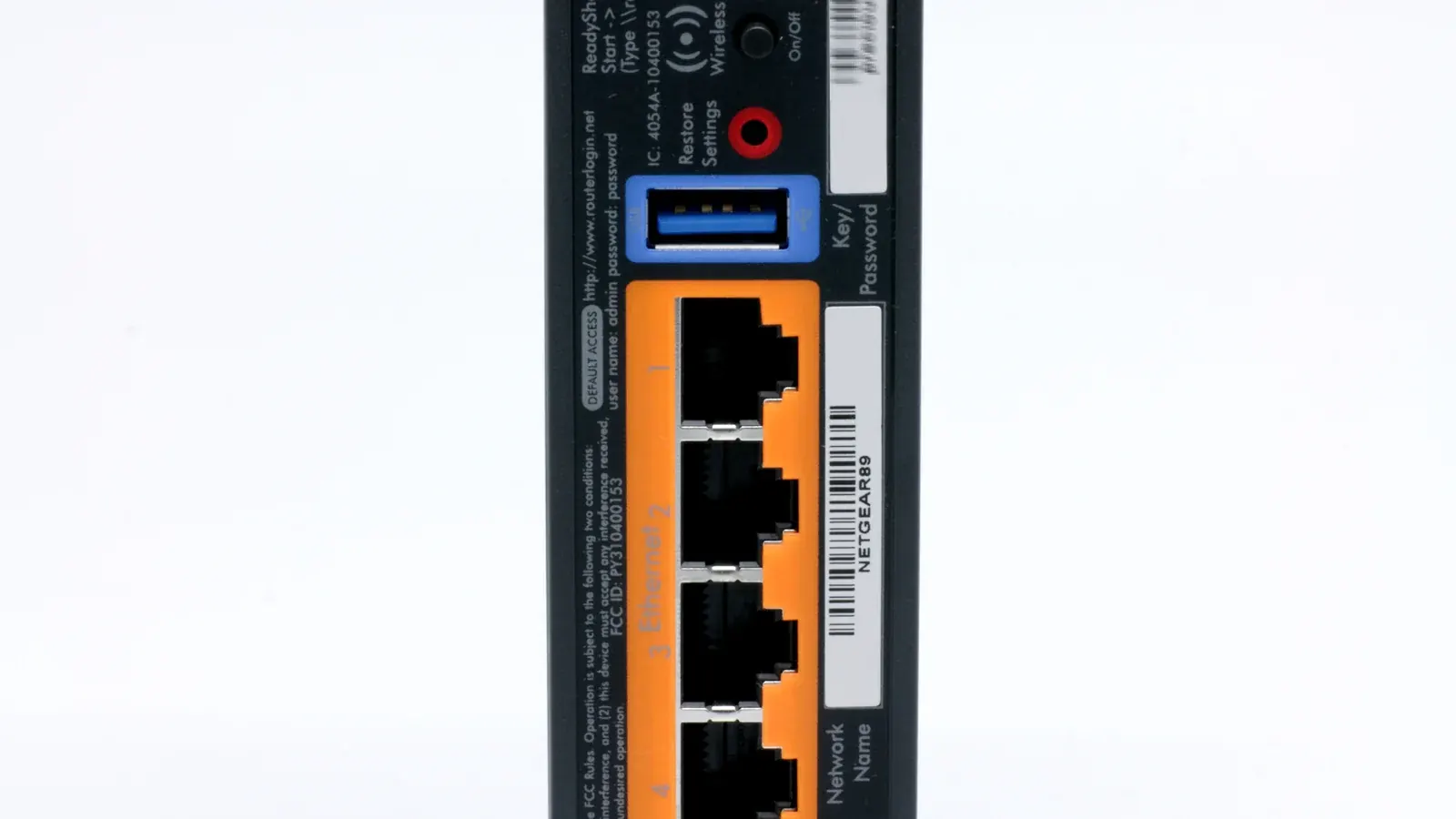
If you're on Wi-Fi, try moving closer to your router or switching to a wired Ethernet connection where possible — this alone resolves a large share of buffering complaints.
Device-Side Fixes
- Restart your streaming device and router
- Close other apps running in the background
- Confirm your device isn't also handling other network-heavy tasks
App and Cache-Related Fixes
Clearing your app's cache or reinstalling it can resolve issues caused by corrupted local data, particularly after an app update. See our EPG guide if the issue is specifically about outdated guide data rather than playback itself.
When the Problem Is on the Provider's End
If buffering only affects specific channels or happens across multiple devices and networks at once, the issue is more likely server-side. At that point, contacting support is more productive than continuing to troubleshoot your own setup. Our FAQ also covers other common troubleshooting questions worth checking first.